Profile
Your name, avatar, and account security live on the Profile screen. In the web app, so does Developer API Keys — the section where you click Create Key to mint a scopedak_… key for an agent or script, choosing its scopes in the dialog. The secret is shown exactly once. The mobile apps show the rest of your profile but not this section, so keys are a browser job. See API keys & scopes for where to find the screen and how to scope keys safely.
Workspace
Workspace settings cover the workspace name and slug plus its AI model defaults — including which image model the worker uses when generating images. Each workspace is fully separate: its own tasks, files, integrations, and team.Notifications
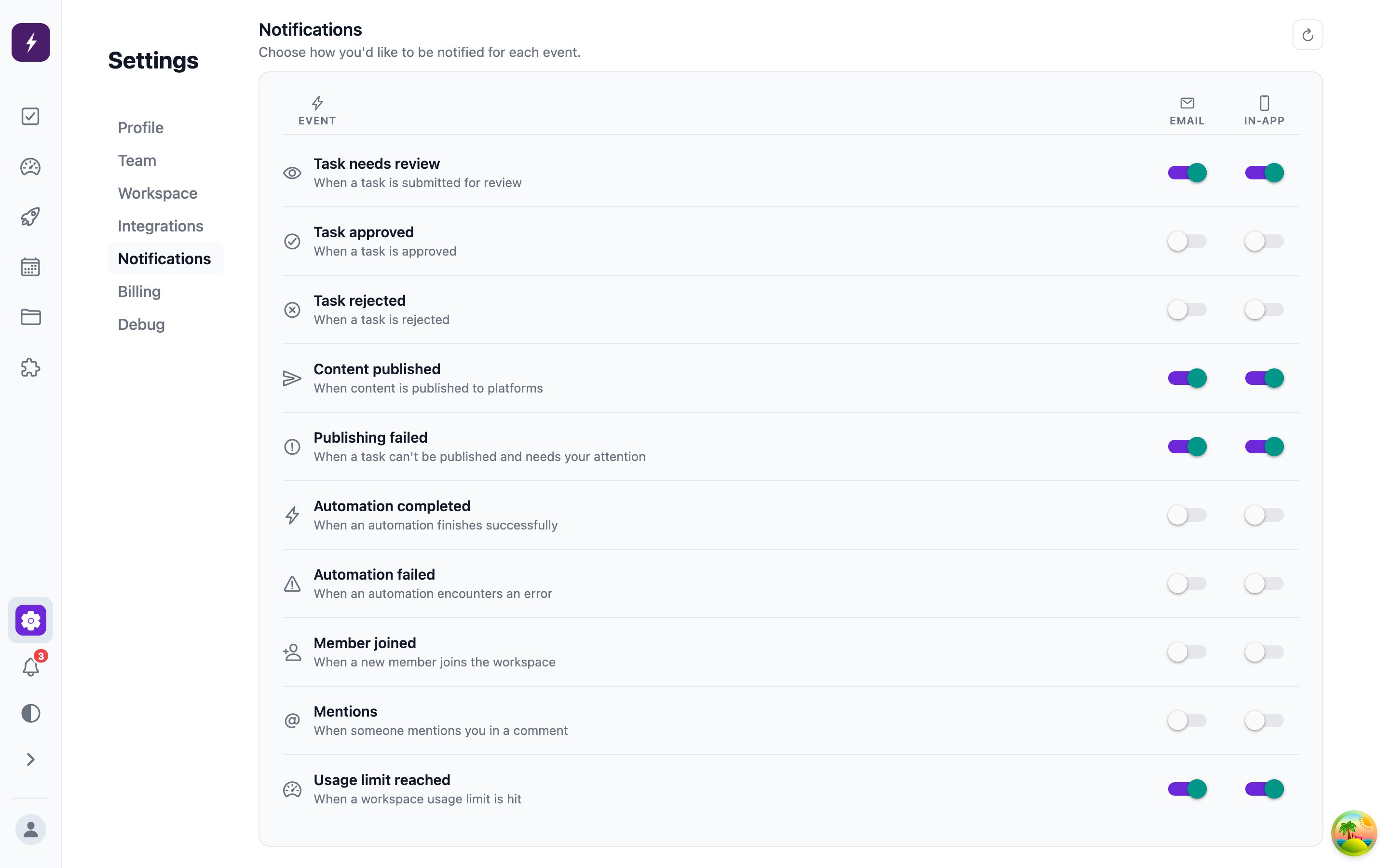
Automate It notifies you when the pipeline needs you or finishes something:- Task events — needs review, approved, rejected, published, publish failed
- Automation runs — completed or failed
- Workspace events — member joined, mentions, usage limit reached