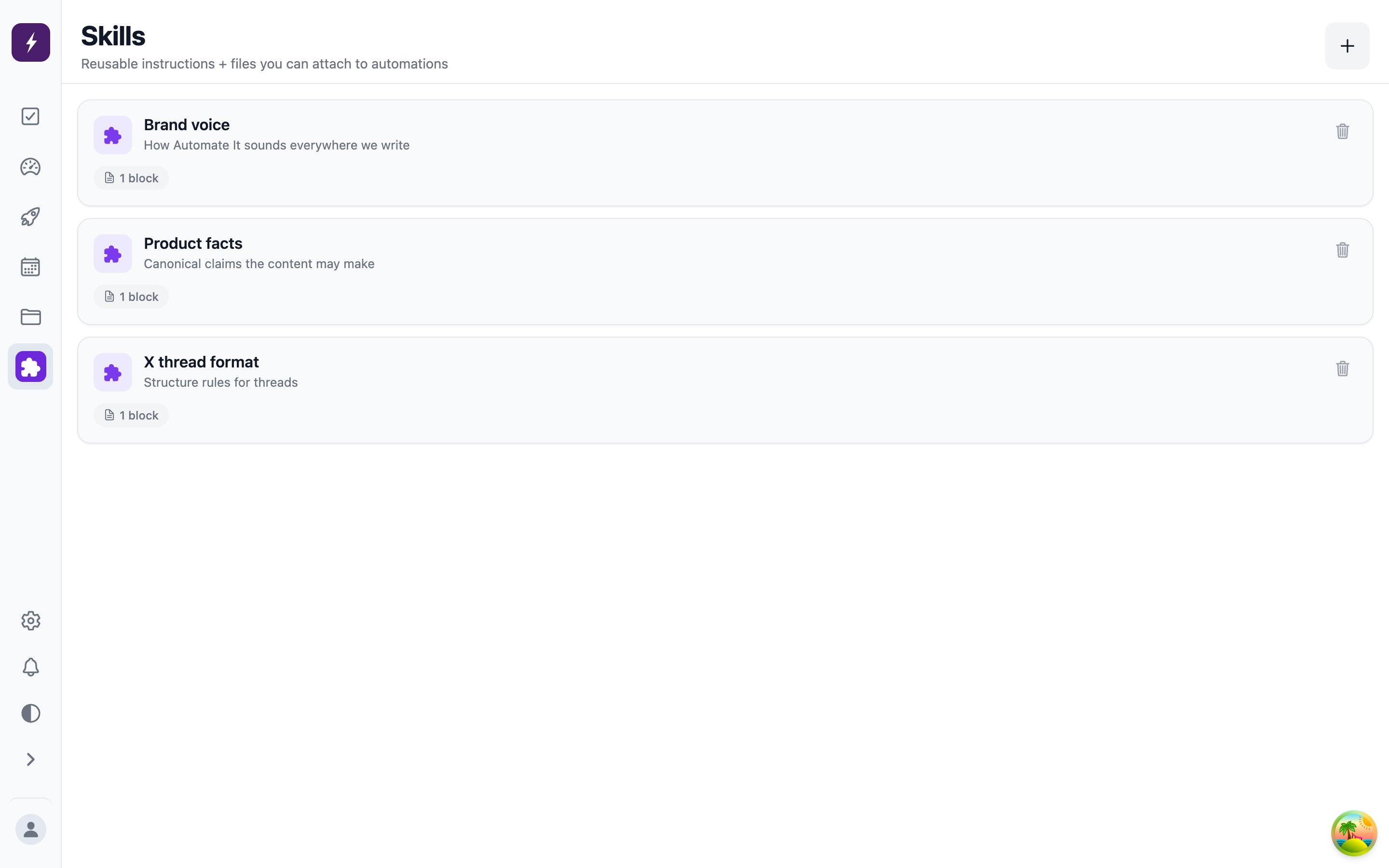
- Brand voice — “Confident, playful, never corporate. Short sentences. No emoji in headlines.”
- Formatting rules — how you structure threads, where links go, hashtag policy.
- Product background — a features file and pricing sheet the worker should draw facts from, attached to the skill so they travel with it.
Creating and using skills
Manage skills on the Skills screen — create, edit, and attach files or whole folders from your workspace files. When creating a task or automation, attach any number of skills; the content records which skills it was written against. Skills are shape-compatible with theSKILL.md convention used by agent runtimes, so the same bundle that guides the built-in worker also works for a bring-your-own agent reading it over MCP or the CLI.
One skill per concern beats one mega-skill: “brand voice” and “launch-week messaging” as separate skills lets each task pull exactly the context it needs.