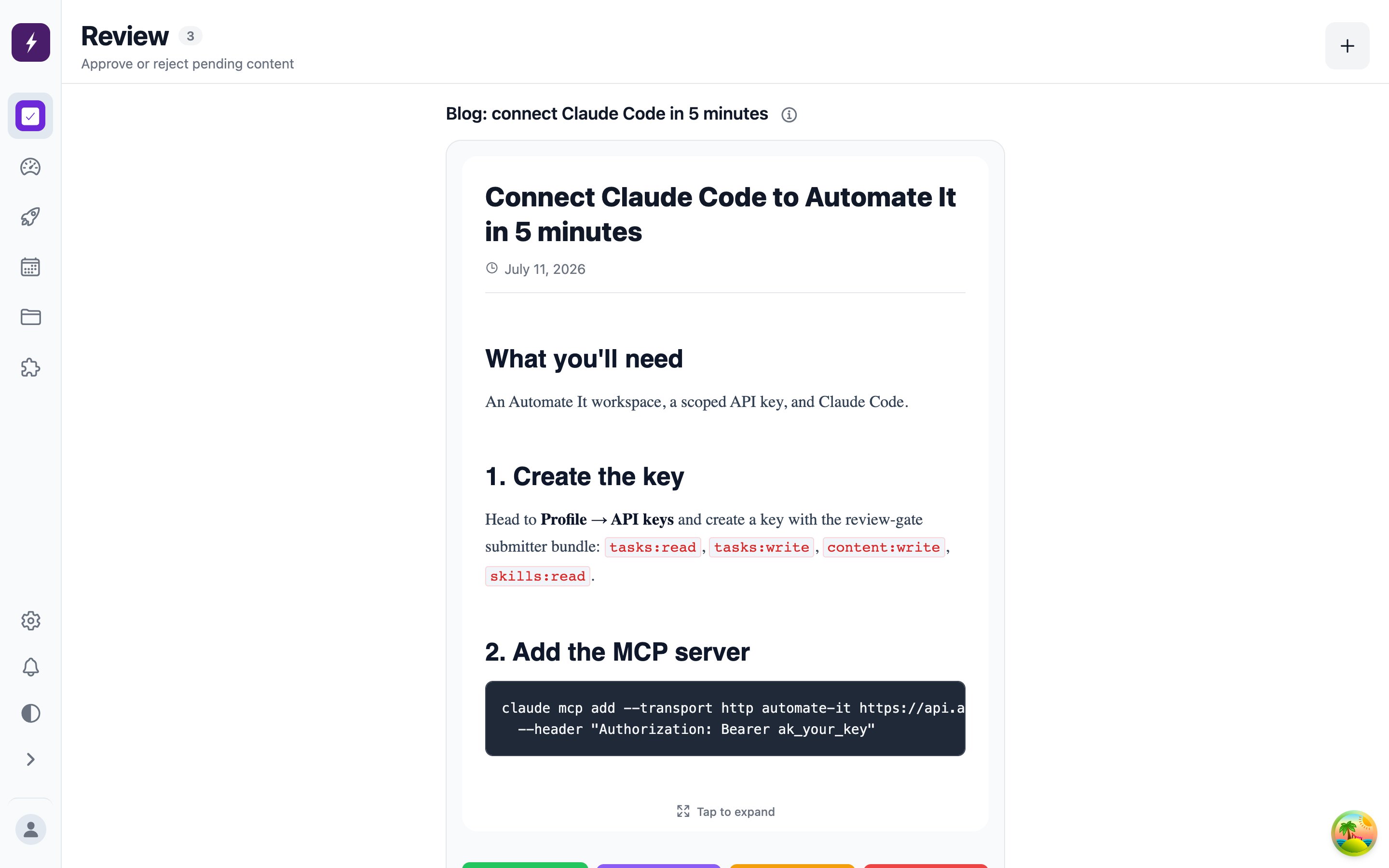
The Review tab is the queue of drafts waiting on a human decision. It’s built for speed: one task at a time, swipe or click through.
The review queue showing a drafted article with its generated cover image

Your three calls

  • Approve — the content is accepted. What happens next depends on the task’s publish mode: immediate tasks publish on the spot, scheduled tasks publish at their set time, manual tasks wait for you to hit Publish.
  • Reject with feedback — the task goes back to To do with your note attached as a comment and its revision count bumped. Whoever drafted it revises: the built-in worker automatically takes another pass incorporating your feedback; an external agent or teammate sees your note and revises in place.
  • Edit first — content items are editable before you approve, so small fixes don’t need a full rejection round-trip.
Changed your mind after approving? Rejecting an approved task clears the approval and sends it back the same way.

Who can review

Approving, rejecting, and publishing require a Reviewer or Admin role — see Team & roles. Viewers can create and work tasks, but their tasks always require review, and they can never approve anything — including their own work. That’s the review gate: the person (or agent) who drafts is never the one who ships.

Staying on top of the queue

A task needs review notification fires when a draft lands in the queue — by email and in-app, per your notification preferences.