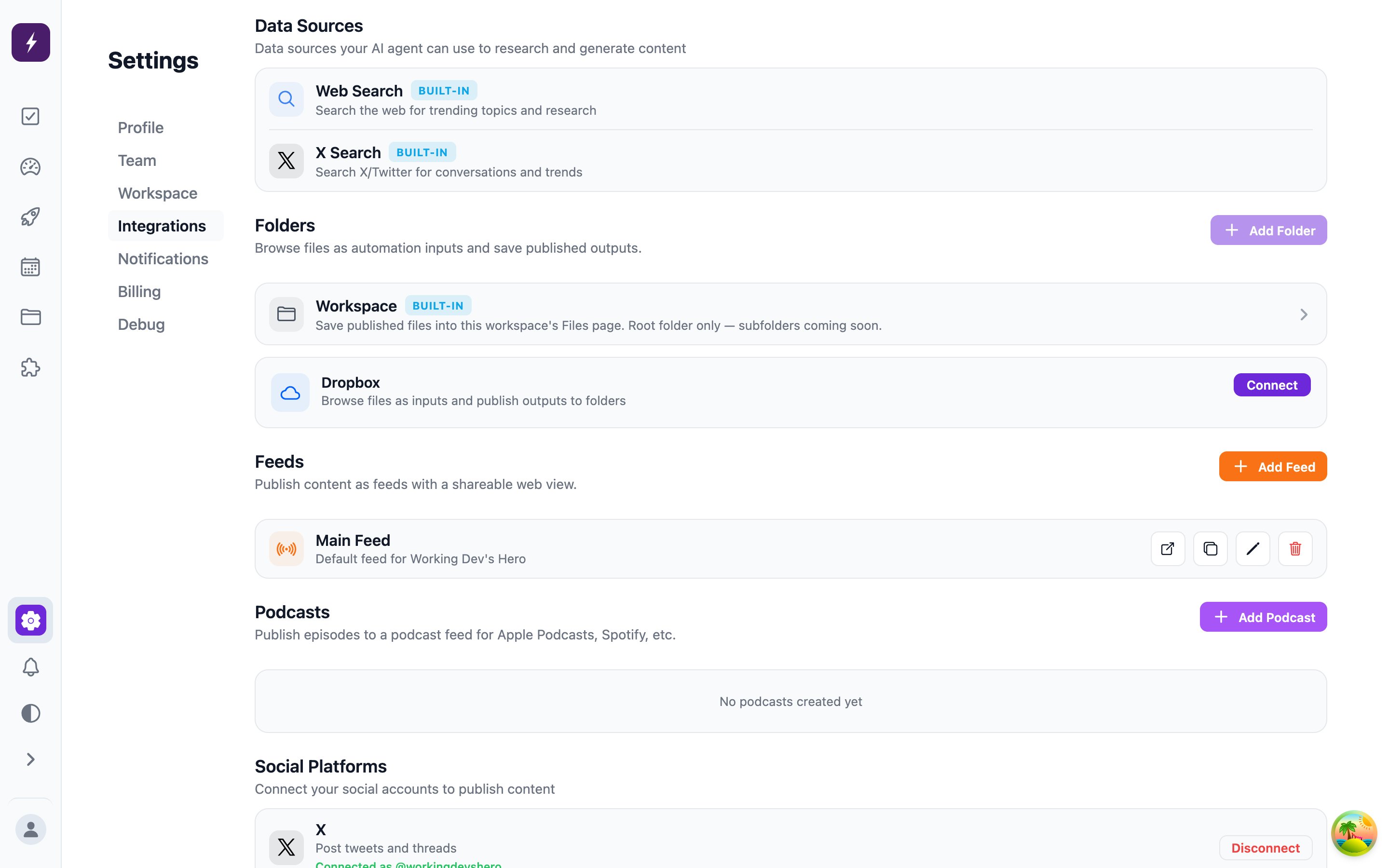
Destinations
Before you connect
Most destinations are a single Connect click and an OAuth consent screen. The ones below have a prerequisite, need a credential you have to fetch first, or behave in a way that’s worth knowing about before you hit a wall. Connecting an integration is an Administrator action.X
Click Connect and approve — nothing to prepare. Automate It reads your character limit from your account at connect time: 280 characters, or 25,000 if the account is verified. If you subscribe to Premium after connecting, the workspace keeps validating drafts against 280 until you disconnect and reconnect. Up to 4 images or videos per post.- Every Instagram post needs at least one image or video. A text-only draft fails at publish with “Instagram posts require at least one image or video” — that’s Instagram’s rule, not ours.
- Two or more media items publish as a carousel, up to 10.
- Photos and photo carousels: publish first, then open the live post in the Instagram mobile app, tap the menu in its top-right corner, choose Edit, then Replace Audio. You don’t need to delete and re-upload, and the post keeps its likes and comments. It picks from Instagram’s library only, not a file of your own, and it’s mobile-app only.
- Any video, including a single-video post: the video file’s own audio is what publishes, as the post’s original sound. Want your own song? Bake it into the video before you upload. Instagram publishes a single video as a Reel, and a Reel can’t have a catalog track added afterward — Instagram only lets you replace a Reel’s audio once it has muted it.
Images and videos generated inside the workspace publish with Instagram’s AI-content disclosure, so the post carries the “AI info” label. Media you upload yourself is not labeled. A carousel is labeled when any one of its slides was generated — the disclosure covers the whole post.
Threads
Click Connect and approve. Content longer than a single Threads post publishes as a chained thread — Automate It posts the first part, then adds the rest as replies to it. Up to 10 media items.YouTube
The Google account you connect needs a channel. A Google account with no channel has nothing to bind to, and connect will fail — create the channel at youtube.com first.Brand channels appear as separate identities in Google’s account chooser. Pick the one you want during consent — the connected channel is fixed afterwards, so switching channels means disconnecting and reconnecting.
Custom thumbnails
Attach an image alongside the video and Automate It sets it as the video’s custom thumbnail after the upload. No image means YouTube picks a frame from the video, as it always has. Match the video’s shape: 16:9 (1280×720 is ideal) for a normal upload, 9:16 for a vertical Short. Shorts do take custom thumbnails. An image of some other shape still publishes — YouTube fits it to the frame and pads the rest — and the task records a note under Recent Activity → Warnings. Any image format works. YouTube itself only takes JPEG and PNG under 2 MB, so anything else — a WebP from workspace image generation, say — is converted for you, and an image over the limit is compressed down to it. Transparency is kept by converting to PNG rather than JPEG. YouTube recommends 1280×720.The thumbnail never costs you the upload. If the image cannot be converted or the channel is not allowed to set one, the video still publishes and YouTube falls back to a frame from the video. The task’s publish result records that the thumbnail was skipped and why, and the note appears under Recent Activity → Warnings, linked back to the task. It stays out of Errors — the video published.
Videos generated inside the workspace are uploaded with YouTube’s altered-or-synthetic-content disclosure, so YouTube shows an “Altered or synthetic content” note on the video. Videos you upload yourself are not disclosed.
TikTok
Each post uploads one vertical video, with the task body as the caption (2,200 characters max). TikTok renders no formatting, so the caption publishes as plain text. TikTok’s posting API does not let us attach a track from TikTok’s in-app sound library. Any music has to already be in the video file — for example a track generated in the workspace and mixed into the video, or a video you edited yourself. Clicking Post agrees to TikTok’s Music Usage Confirmation: you are confirming the soundtrack is original or licensed.Videos generated inside the workspace publish with TikTok’s “Creator labeled as AI-generated” tag, per TikTok’s content rules. Videos you upload yourself are not labeled.
Bluesky
Bluesky has no OAuth, so you connect with your handle and an app password — a scoped, revocable credential, not your account password. Create one at Bluesky → Settings → Privacy and Security → App Passwords → Add App Password, then paste it into the connect form along with your handle (yourname.bsky.social).
Up to 4 images per post; Bluesky video isn’t supported.
Discord
Discord is one integration per channel — connect it once for each channel you want to publish to. The consent screen is where you choose the server and channel; Discord creates the webhook itself. You need Manage Webhooks on that server.Discord names every incoming webhook after the app, so connections arrive called “Automate It”, “Automate It 2”, and so on. Rename each one to the channel it posts to — the name is what makes it addressable.
discord:<slug>, where the slug comes from the integration’s name (#release-notes → discord:release-notes). Renaming re-slugs the channel and moves existing references with it, so automations and unpublished tasks keep working; already-published tasks keep the name they published under.
Up to 2000 characters and 10 attachments per message.
Ghost
You need two values from your Ghost site:- In Ghost Admin → Settings → Integrations → Add custom integration, name it (e.g. “Automate It”) and copy the Admin API key. It looks like
<id>:<secret>— paste the whole thing. The Content API key on the same screen won’t work; it’s read-only. - Your site URL — the public origin, e.g.
https://blog.example.com. Pasting the/ghostadmin URL is fine; Automate It trims it.
Dropbox
Dropbox is both an input source (attach files to a task) and an output destination (deliver finished files to a folder). On the Dropbox card, the folder tiles are the allowed list. + Folder opens a picker that drills through your whole account so you can pick exactly what Automate It may touch. Everything nested under an allowed folder is included — allowing/Marketing covers /Marketing/2026/Q1.
Removing a folder can orphan files or folders that automations already reference; the app tells you how many and which automations are affected.