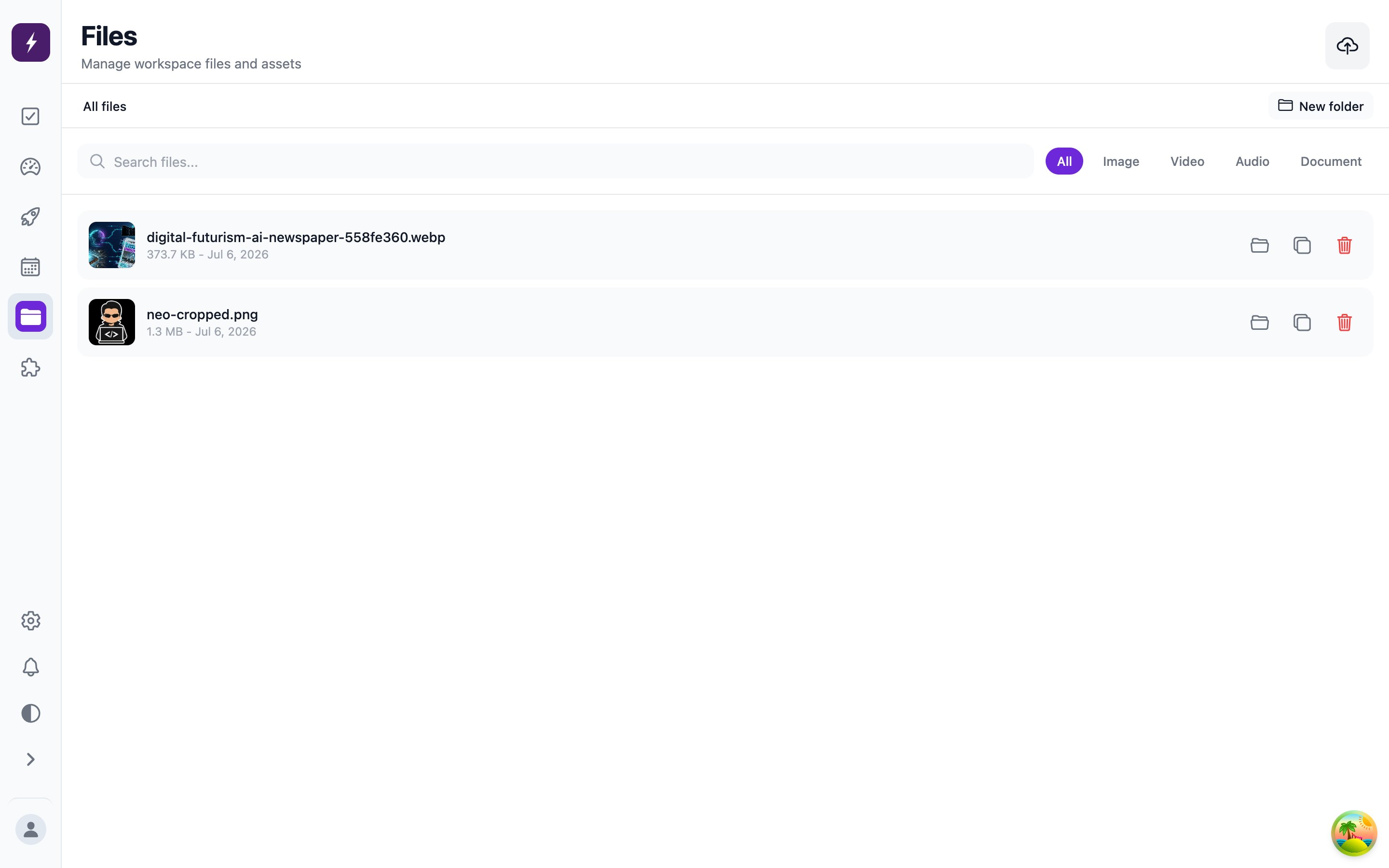
The Files screen is your workspace’s shared library. Files flow both directions: you upload reference material and media for the worker to use, and generated output (including AI-generated images) lands here too. Organize with folders; attach files or whole folders to tasks, automations, and skills.
The Files screen: the workspace media library with search and type filters

Upload limits

KindFormatsMax size
ImagesJPEG, PNG, GIF, WebP, BMP, SVG, HEIC, HEIF, AVIF25 MB
VideoMP4, MOV, WebM, MKV100 MB
AudioMP3, WAV, etc.50 MB
DocumentsPDF, Office25 MB
TextPlain text, Markdown5 MB
These are storage limits — individual platforms enforce their own rules at publish time (X’s character limit, Bluesky’s four-image cap), and Automate It validates against those before posting. Total storage is bounded by your plan; current usage shows on the Billing screen.

AI-generated images

The worker can generate images while drafting content, using the image model configured in your workspace settings. Generated images are saved as workspace files and attached to the task’s content, so you review them exactly like the copy.