> ## Documentation Index
> Fetch the complete documentation index at: https://docs.automate.it.com/llms.txt
> Use this file to discover all available pages before exploring further.
# Team & roles
> Who can draft, who can approve, who can administer
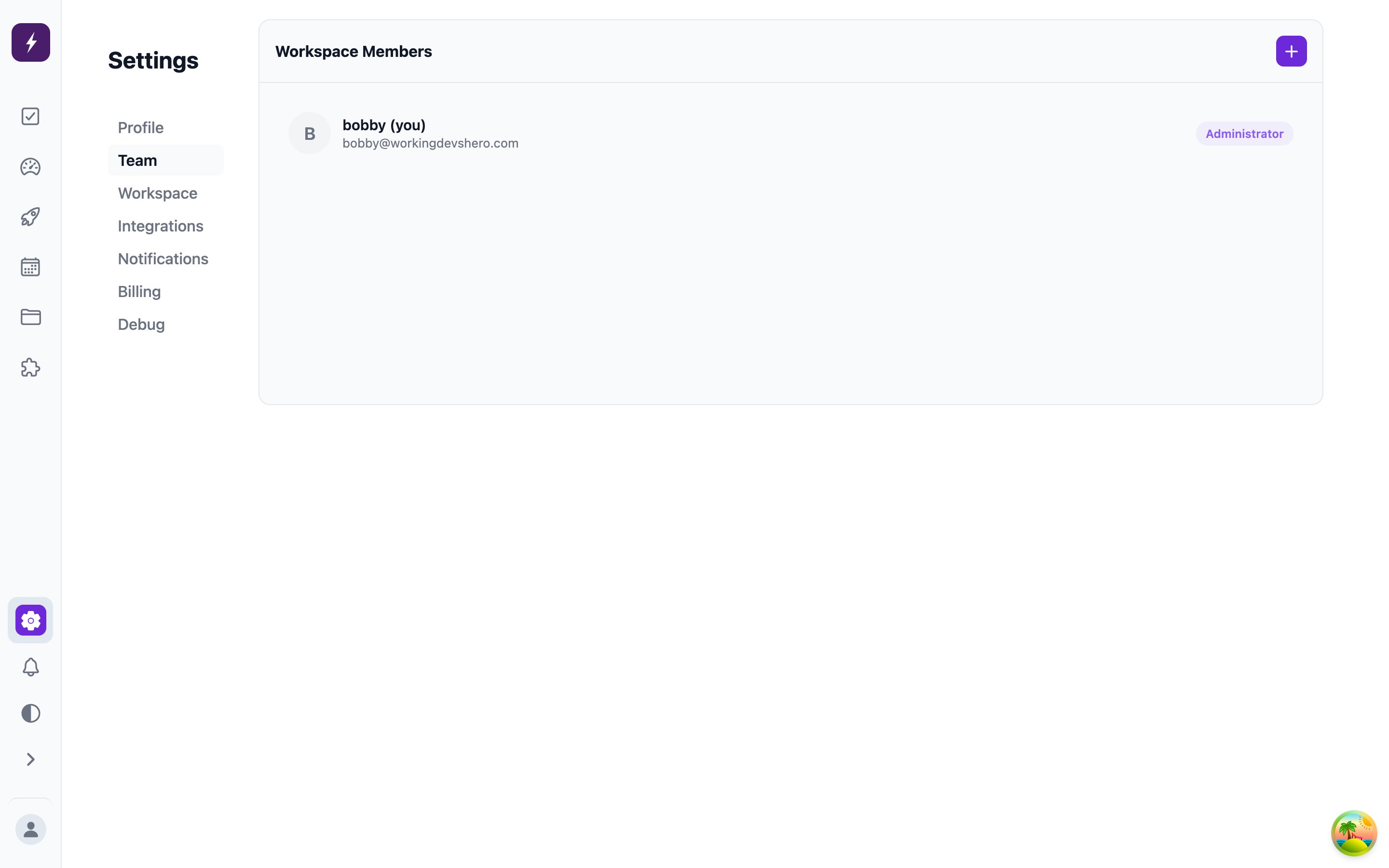
Invite teammates from **Settings → Team**. Every member has one of three roles, and the roles are the review gate's enforcement mechanism:
 | | Viewer | Reviewer | Administrator |
| -------------------------- | ------ | -------- | ------------- |
| Create and work tasks | ✓ | ✓ | ✓ |
| Skip review on own tasks | — | ✓ | ✓ |
| Approve / reject / publish | — | ✓ | ✓ |
| Manage automations | — | — | ✓ |
| Delete tasks | — | — | ✓ |
| Manage integrations & team | — | — | ✓ |
A **Viewer**'s tasks always require review — even if the task asks to skip it — which makes Viewer the right role for anything that drafts content but should never ship it. That's exactly why [agent API keys](/api-keys) belong on Viewer-role identities: the agent can propose all day and approve nothing.
Team size is bounded by your [plan](/workspace/billing). Billing itself belongs to the organization owner rather than any workspace role.
## Invitations
Invites go out by email; an invitee lands in the workspace with the role you picked, changeable any time from the Team screen.
| | Viewer | Reviewer | Administrator |
| -------------------------- | ------ | -------- | ------------- |
| Create and work tasks | ✓ | ✓ | ✓ |
| Skip review on own tasks | — | ✓ | ✓ |
| Approve / reject / publish | — | ✓ | ✓ |
| Manage automations | — | — | ✓ |
| Delete tasks | — | — | ✓ |
| Manage integrations & team | — | — | ✓ |
A **Viewer**'s tasks always require review — even if the task asks to skip it — which makes Viewer the right role for anything that drafts content but should never ship it. That's exactly why [agent API keys](/api-keys) belong on Viewer-role identities: the agent can propose all day and approve nothing.
Team size is bounded by your [plan](/workspace/billing). Billing itself belongs to the organization owner rather than any workspace role.
## Invitations
Invites go out by email; an invitee lands in the workspace with the role you picked, changeable any time from the Team screen.